Geospatial Data Visualization with KeplerGL
Interactive geospatial visualization project using KeplerGL to explore and analyze location-based datasets directly in Jupyter Notebook.
Problem
Analysts needed an intuitive and interactive way to explore large geospatial datasets without building a full frontend application. Traditional GIS tools were too heavy, and static plots didn't provide the required interactivity.
Solution
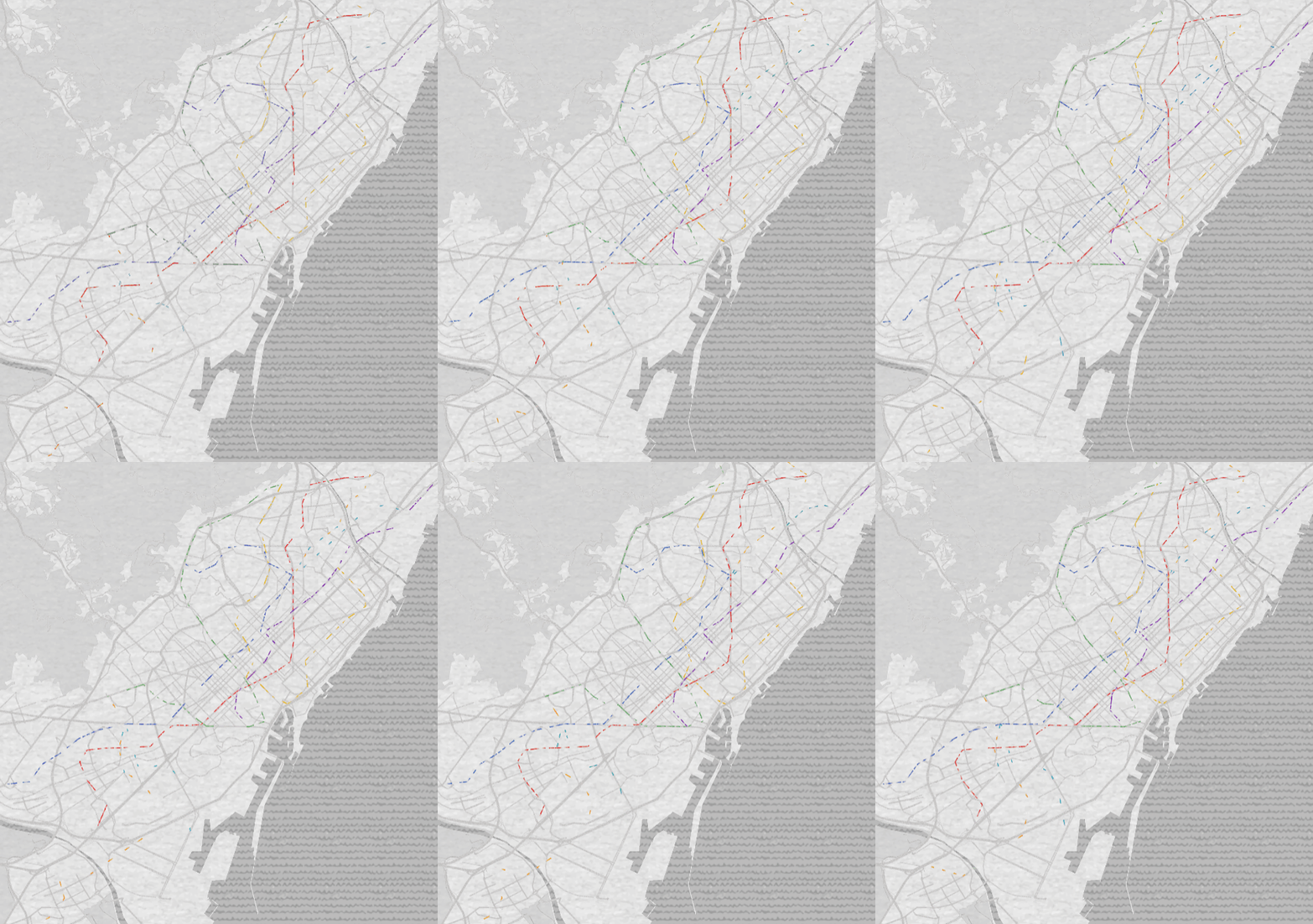
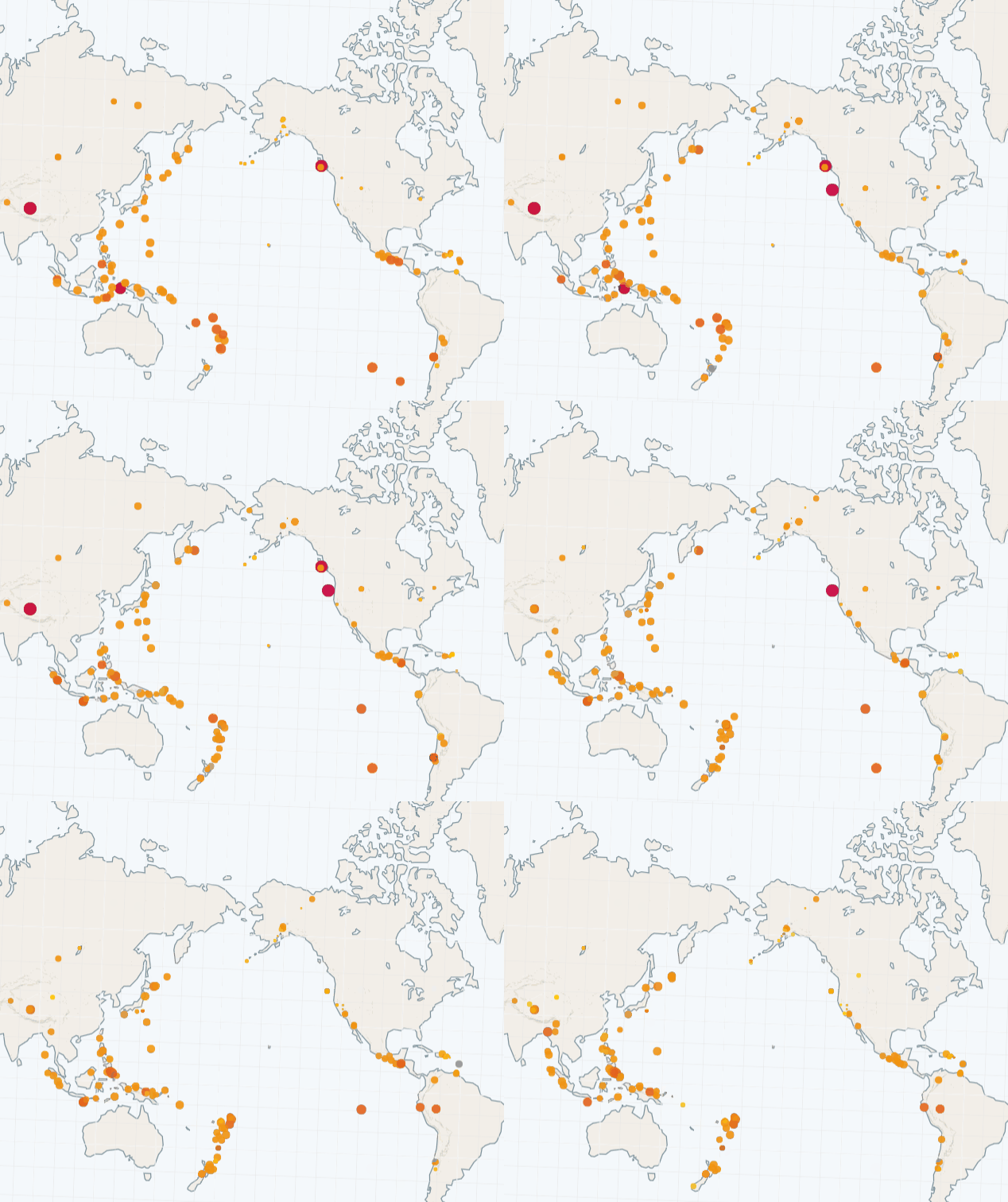
Created an interactive KeplerGL notebook that loads, processes, and visualizes geospatial data using Python. Configured custom layers, filters, and map styles to allow users to explore routes, points, polygons, and time-based movement. The notebook serves as a lightweight, highly visual analytics interface.
Impact
Delivered a fast and user-friendly method for exploring spatial data, improving insight discovery and reducing analysis time. Enabled non-technical users to interact with datasets visually without needing GIS software.
Tech Stack Used
Key Challenges & Learnings
- Managing large geospatial files that can slow down interactive rendering
- Ensuring GeoJSON structures were properly formatted and optimized
- Configuring KeplerGL layers and filters to match the dataset's structure
- Deepened understanding of geospatial formats such as GeoJSON and shapefiles
- Learned how to embed KeplerGL maps directly inside Jupyter workflows.
- Improved skills in preparing and cleaning spatial datasets for visualization
Screenshots